Add Your Video
Paste a supported video link or upload a file.

Paste a supported video link or upload a video file to extract its audio as MP3. Preview your result and download your first MP3 for free—no sign-up required.
Convert a video link or local file into MP3 audio in three simple steps.
Paste a supported video link or upload a file.
Extract the audio and convert it to MP3.
Preview your MP3, then download it.
Paste a video link or upload a file to get the audio you need. No separate downloader or desktop converter required.
Work with supported online video links or videos saved on your device.
Listen to the converted audio before downloading the MP3 file.
Convert MP4, MOV, WEBM, MKV, AVI, and M4V videos into MP3 audio.
Convert your video directly in your browser without installing another app.
NoteAi supports MP4, MOV, WEBM, MKV, AVI, and M4V video files with audio tracks, plus publicly accessible video links from supported platforms. Both can be converted to MP3.
Paste a publicly accessible video link.
 YouTube
 TikTok
 Bilibili
 Xiaohongshu
 Kuaishou
Upload a video file from your device.
Preview the converted audio, then download the MP3 to your device.
Keep the audio you need from lectures, interviews, webinars, and video podcasts—without replaying the full video every time.
Turn recorded lessons into MP3 files you can listen to while commuting or reviewing for exams.
Extract spoken audio from video interviews or your own recordings for editing or transcription.
Save the spoken parts of webinars and recorded meetings as MP3 files.
Convert supported video podcasts into audio-only files so you can listen on the go.
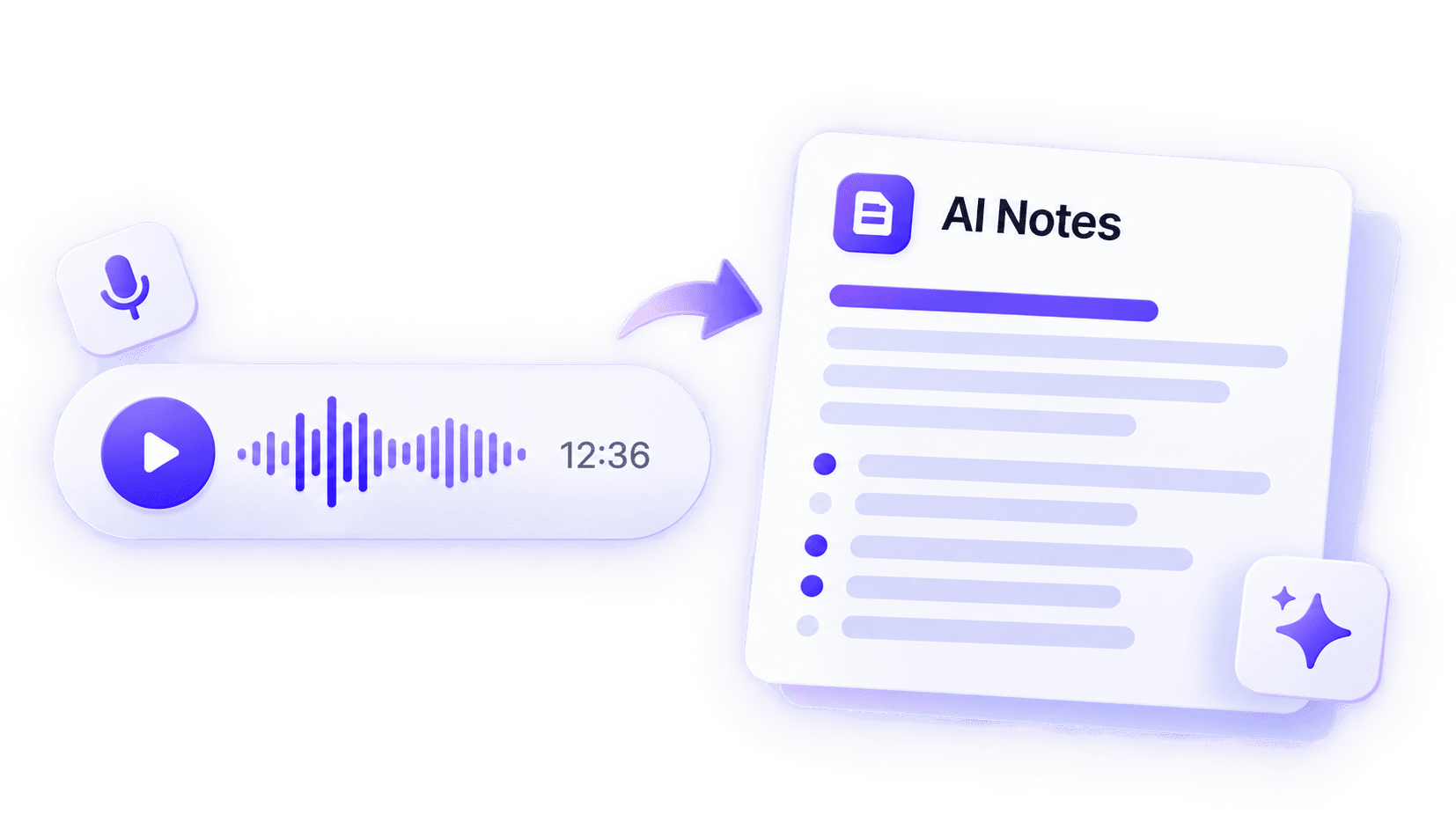
After saving your MP3, upload it to NoteAi to generate a timestamped transcript, summarize the main ideas, and ask questions about the recording.
Find what was said and jump back to the moments that matter.
Turn a long recording into organized notes and main takeaways.
Explore specific details without listening to the entire recording again.





University Student
I used to keep a lecture video open just to review the professor's explanation. Now I save the audio as MP3 and listen on the way to class. It's a much easier way to fit revision into my day.
Video Creator
When I only need the voiceover from one of my own videos, this saves me from reopening the editing project and exporting a separate audio track. I can move straight to the next edit.
Podcast Producer
Guests sometimes send video interviews instead of audio files. Converting them to MP3 makes it easier to listen through the conversation and prepare the episode edit.
Language Tutor
I've started turning short speaking demos into MP3 practice clips. My students can replay the dialogue between lessons without needing to watch the video every time.
Marketing Consultant
I rarely have time to sit through a full webinar replay. Saving the audio lets me listen later, and I can upload the MP3 to NoteAi when I need a summary of the main discussion.
UX Researcher
For recorded interviews, I extract the MP3 first and then upload it to NoteAi for a timestamped transcript. Finding the wording of a particular answer is much easier than scrubbing through the original video.
Choose the plan that fits your needs. All plans include core features with different usage limits.
Join thousands of learners and pros building their knowledge base with NoteAi.
No credit card required. Cancel anytime.